
Can Foreigners Buy K-pop Concert Tickets in Korea?
Yes, when the organizer opens a global sale for that concert. Start from the official notice, match your passport name, prepare 3-D Secure, and follow the event's exact ticket-delivery rule.

Yes. Foreign fans can buy many K-pop concert tickets in Korea when the organizer opens a global sales route for that performance. The decisive document is the official concert notice: a Korean ticket page may exist while its domestic account, identity check or payment flow remains unusable without Korean verification.
Ticketing pages and rules were rechecked on August 11, 2026.
1. Follow the ticket link in the official concert notice
Begin with the artist, promoter or venue announcement, then use the exact ticket link printed there. It identifies the authorized platform, sale time in KST, fan-club presale conditions and whether overseas buyers have a global route.
Current international entry points include NOL World Tickets, Melon Ticket Global, YES24 Ticket Global and Ticketlink Global. Interpark Global became NOL World on December 1, 2025, according to NOL World's rebranding notice, so an older concert guide may still use the Interpark name.
Listings are event-specific. If the official notice provides only a domestic page, changing the interface language does not create an overseas checkout. Wait for the organizer's global link or another authorized instruction rather than using an account or resale route that cannot satisfy the named-ticket rules.
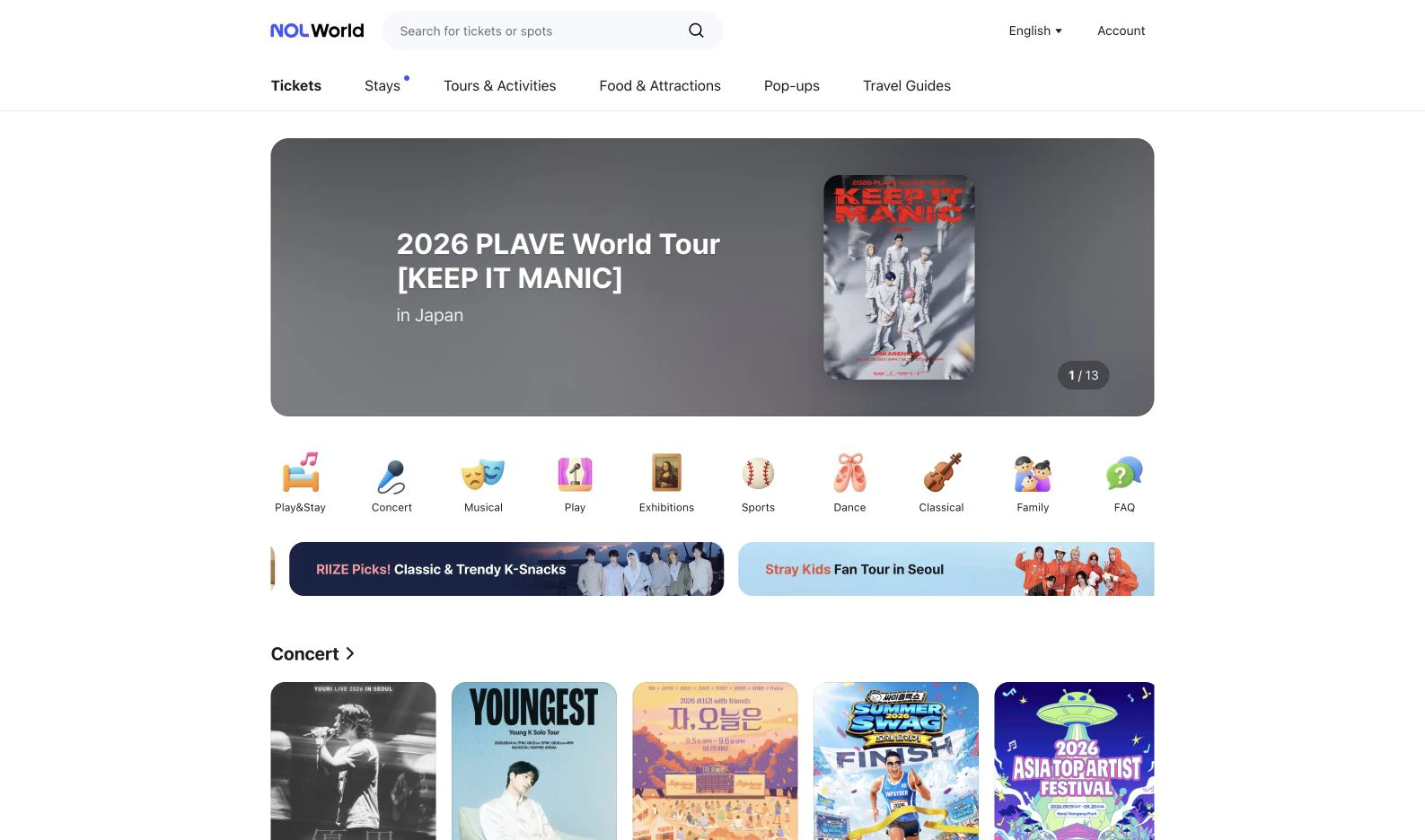
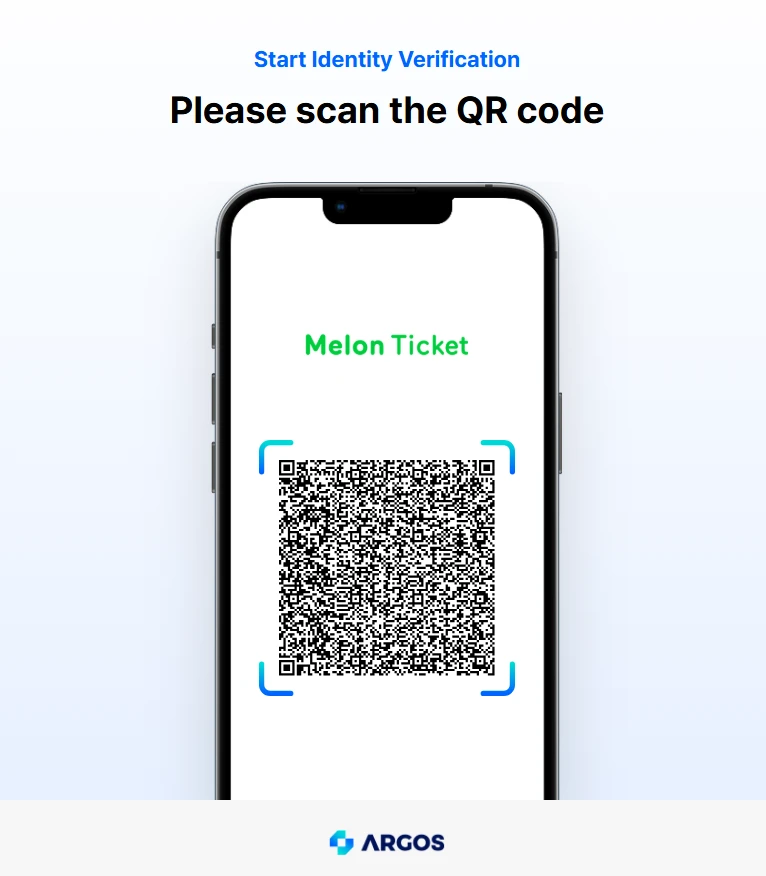
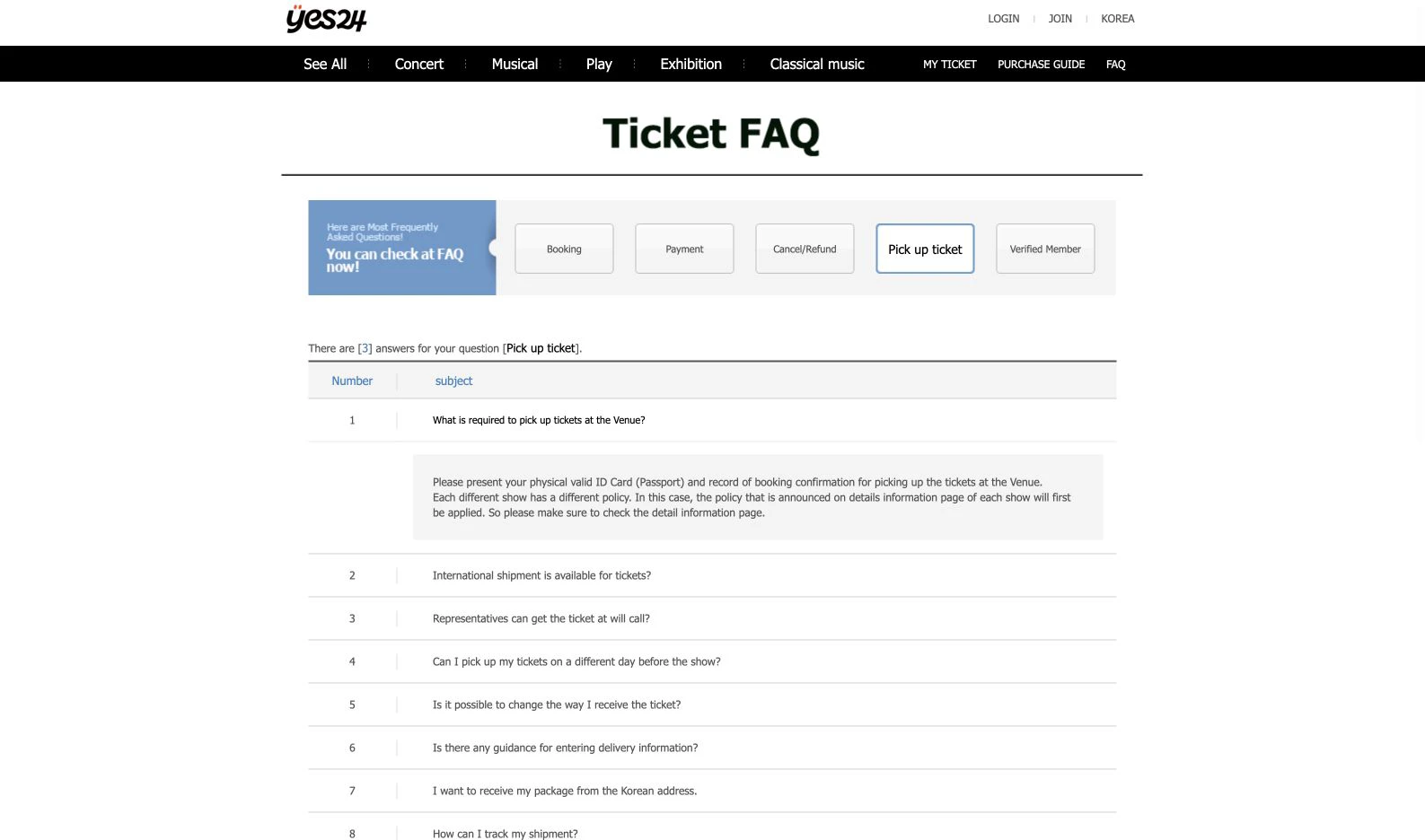
The three screens show different checkpoints: locating a global listing, completing an event's identity step and reading the collection rule before show day.
2. Prepare the account and presale before the queue opens
Create the account in advance. Enter your legal name in the spelling and order accepted by that platform, using the passport you will carry to Korea as the reference. Melon Ticket Global's sign-up guidance warns that first and last names cannot be changed after registration and tells users to match their passport. YES24's current FAQ likewise warns that a name different from the passport can cause trouble when collecting a ticket.
Account registration, fan-club presale registration and event identity verification can be separate tasks. A performance may add membership verification, an email code, a QR handoff or passport-and-face verification. A 2026 ARGOS explanation of passport KYC used for Melon concert sales documents one current example; it does not mean every Melon event follows the same sequence.
Ticketlink now marks some products “Verified Members Only.” Its Global Member Identity Verification notice says those products require passport verification and may add an ₩8,000 eKYC ticket service fee; the notice also says fees can vary by product. Complete only the checks named on the exact performance page.
Fan discussions about using Melon's Korean site without Korean verification and a booking name that does not match a passport show where people commonly get stuck. They are experience reports, not policy. The organizer and ticket platform notices control the sale.
3. Check the card authentication before ticket day
For YES24, use a card enabled for overseas online purchases and 3-D Secure. The current YES24 Global FAQ says credit-card checkout requires 3-D authentication. Ask your card issuer in advance if you are unsure, and make sure you can receive the issuer's approval prompt or code.
Other global platforms can offer different payment methods or event-specific fees. Do not assume that a card accepted for one concert will pass another platform's checkout. Once payment succeeds, save the booking number and confirmation page without sharing them publicly.
4. Read the ticket-delivery rule for that performance
The result may be a mobile ticket, venue pickup or another method. One NOL World performance, for example, states that it uses mobile tickets only and requires account information to match physical ID; that is an event rule, not a universal NOL policy. The performance detail page can override the platform's general help page, including the pickup location, opening time and accepted identification.
For venue pickup, YES24's general guidance currently asks for the original physical passport and booking confirmation, while also stating that each performance page takes priority. A passport photo or photocopy is therefore not a safe substitute unless the exact event explicitly accepts it. Also check whether the purchaser must appear in person and whether proxy pickup or transfer is prohibited.
5. Recheck the same notice the day before the show
Open the official performance page and your booking record again. Confirm the venue, date and start time, ticket status, mobile-ticket or pickup instructions, and any membership or identity requirement. Bring the same physical passport used for the account and keep the booking confirmation accessible even if you have saved a screenshot.
The reliable chain is: official concert notice → authorized global sale page → correctly named account and any presale or identity checks → authenticated payment → event-specific ticket receipt. If the chain stops at the global-sale step, that performance is not yet a straightforward direct booking for that overseas buyer.
Sources and image credits
- NOL World Tickets — Current international ticket entry point and source of the first interface image.
- NOL World rebranding notice — Official confirmation that Interpark Global became NOL World on December 1, 2025.
- Melon Ticket Global — Current global ticket entry point and account-name guidance; source of the verification-screen image.
- ARGOS on Naver Blog — Example of passport KYC used for a 2026 Melon concert sale.
- YES24 Ticket Global — Current global ticket entry point.
- YES24 Global FAQ — Passport-name, 3-D Secure and venue-pickup guidance; source of the FAQ image.
- Ticketlink Global — Current international ticket entry point.
- Ticketlink identity-verification notice — Passport verification and variable eKYC service-fee rule for marked products.
- NOL World event notice example — Example showing that mobile-ticket and physical-ID rules can be performance-specific.
- r/kpophelp: Melon Korean-site question — Community experience used only to identify common verification friction.
- r/kpophelp: passport-name mismatch question — Community experience used only to identify a recurring name-matching concern.
- Featured image file — Existing Delivery Spot cover showing an audience at Seoul World Cup Stadium.
- NOL World interface image file — Existing uploaded screenshot of the official global ticket page.
- Melon verification image file — Existing uploaded screenshot of the official verification screen.
- YES24 FAQ image file — Existing uploaded screenshot of the official global FAQ.
Last updated


