
Where to Watch K-Dramas Legally in Your Country
Find the service that can play the exact K-drama, episode, and subtitle language where you are now, then verify the official title page before paying.
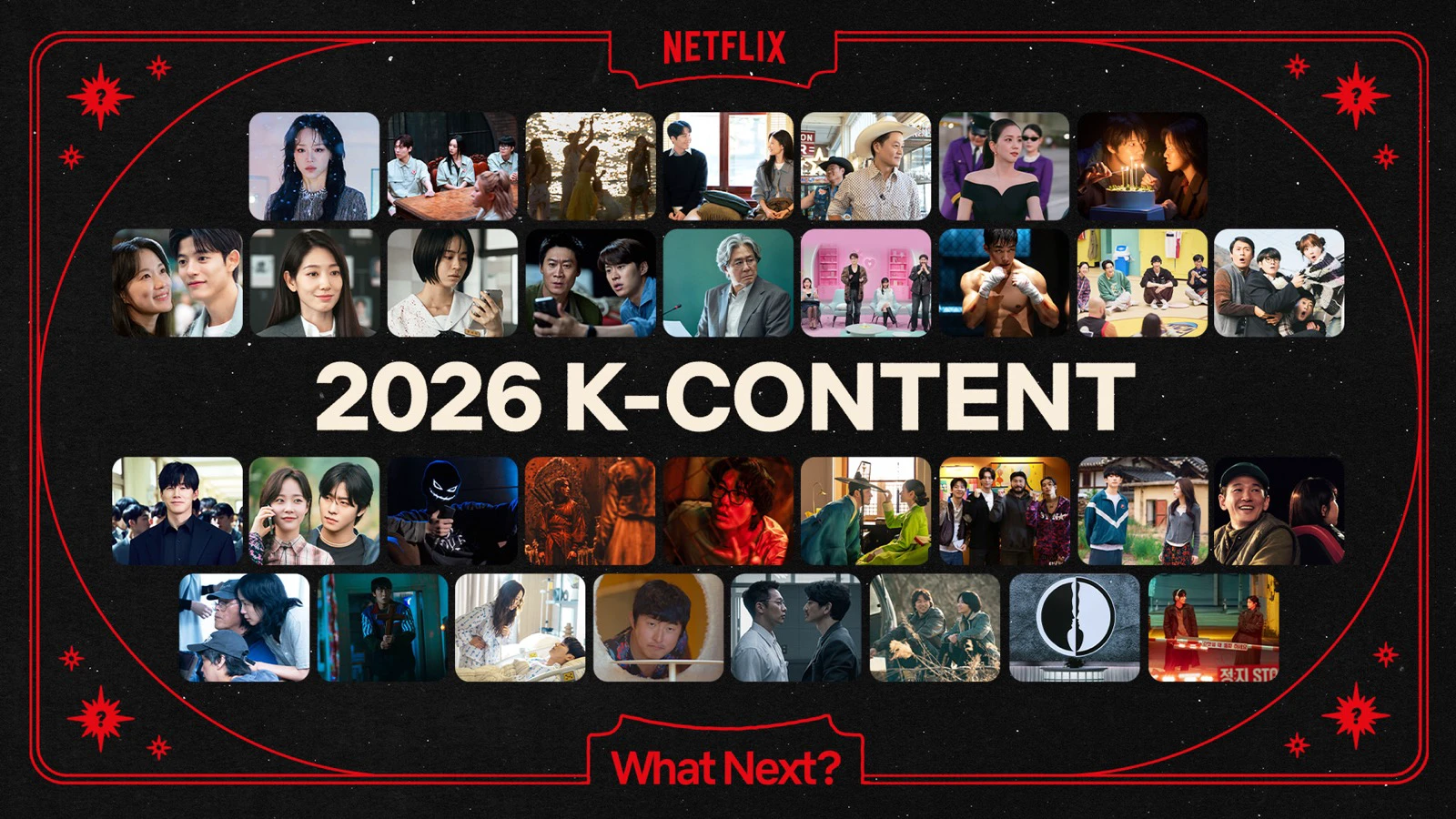
The legal answer is the service that can play the exact drama, episode, and subtitle language in the country where you are physically watching today. Use a country-specific discovery guide to find candidates, then confirm playback on the provider’s own title page before paying. A logo in a global announcement is not enough.
There is one major exception to keep visible from the start: Netflix says its service is not available in mainland China. A Netflix result from another country therefore does not answer where to watch in China; use the official title page of a licensed local service instead.
The fastest reliable check
- Open JustWatch and choose the country where you are currently watching, if that country is available in its selector. JustWatch says it lists legal subscription, ad-supported, rental, and purchase offers.
- Search the drama’s exact English title. If the result is ambiguous, try the Korean title and confirm the cast, year, and season so you do not select a remake or a similarly named series.
- Open the result on the official provider. Make sure the title page loads in your current location and the episode you need has a play button.
- Open the subtitle or audio menu for that episode. A catalog entry does not prove that your preferred language is complete.
- Check whether the offer is included with a subscription, free with ads, a separate rental, or a purchase. Confirm the price and renewal terms on the checkout screen, then subscribe.
If JustWatch does not offer your country, skip the aggregator and search the official catalogs of services available there. The provider page remains the final check in either route. Licensing can begin, expire, or move between services without the drama itself changing.
Which service should you check first?
Netflix: convenient, but never assume the catalog
Netflix is available in more than 190 countries and regions, but its catalog varies by country and changes over time. The same official page lists mainland China among the places where Netflix is not available. Even in supported markets, a title recommended by someone abroad may be absent from your account.
Search while signed in to the profile and device you will actually use. Profile language, maturity settings, regional rights, and VPN use can all affect search results. If you are traveling, Netflix also says that the available shows, downloads, audio, and subtitles can differ from home. Confirm the title again after arrival rather than relying on your saved list.
Viki: check both the region and subtitle completion
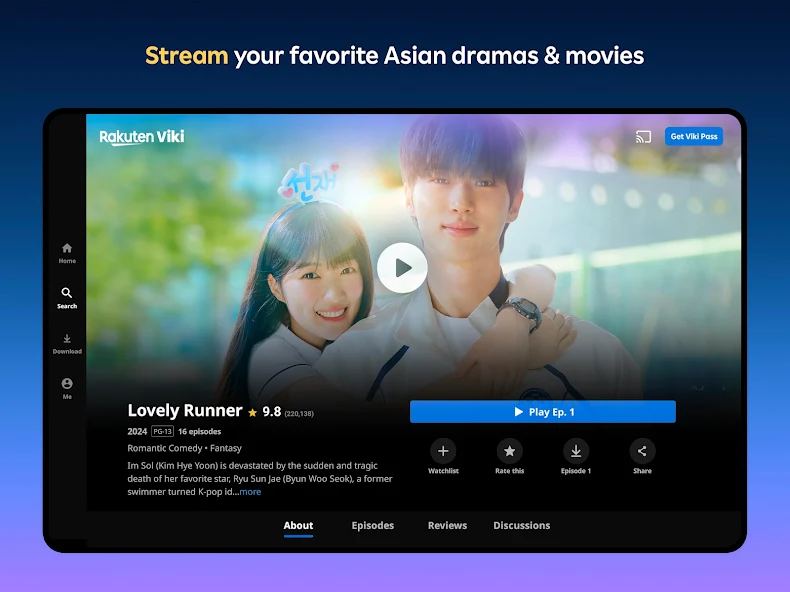
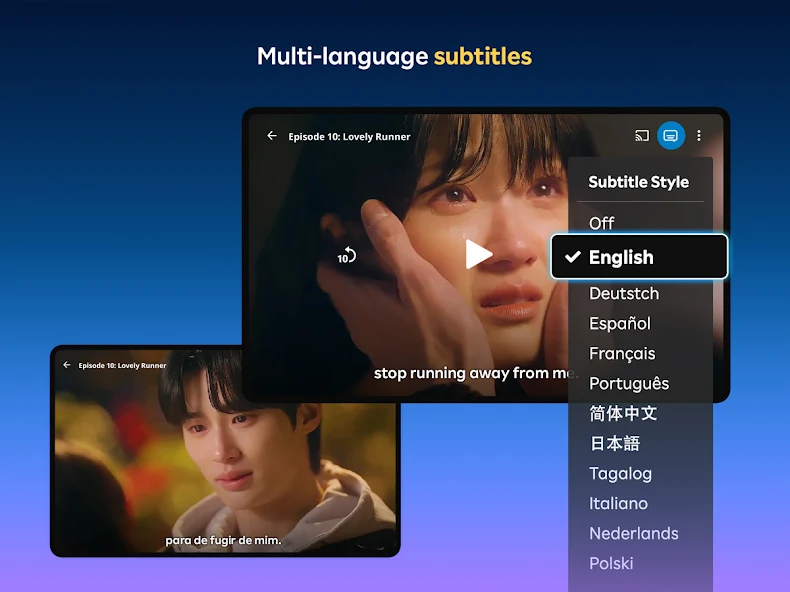
Rakuten Viki focuses on Asian entertainment and offers many subtitle languages. However, a Viki Pass does not unlock a show that Viki is not licensed to offer in your country. Viki’s current support page also says its community-made subtitles can be incomplete and recommends checking the completion percentage for the exact episode and language.
Use the episode player, not only the show page. The Viki subtitle and regional-access guide explains both limits. If the region message blocks the title, upgrading the plan will not remove it.
Disney+: use the title page for your present location
Disney+ carries Korean originals and licensed series, but its help center says content can differ by country. While abroad, viewers generally receive the catalog available in the country they are visiting. A global press release therefore proves that the series belongs to Disney+, not that it is playable where you live.
Open the official title page while signed in and check the episode list and language menu. Before a trip, download eligible episodes in the app, but do not assume every download will remain playable after a country change; licensing still applies.

Other legal services worth checking
- KOCOWA+: Its current official description says the service is available in North America, South America, Europe, and Oceania—not yet Asia or Africa. That makes it relevant for the United States and supported countries in those regions, but not a default answer for Japan, China, Taiwan, Hong Kong, Vietnam, Thailand, Indonesia, the Philippines, or Singapore. Check the supported-country page before making an account. KOCOWA also says its Viki partnership ended in November 2025, so an old guide that treats KOCOWA access through Viki as current is out of date.
- KBS World: The broadcaster’s official latest-episode page still labels a selected drama section as full episodes with English and Chinese subtitles. It is a smaller, broadcaster-selected catalog rather than a complete substitute for a streaming service, but it can be a legitimate free option.
- Licensed local platforms: In many countries, the legal result is a domestic service rather than Netflix, Viki, or Disney+. Use the exact official title page and confirm the company operating the service. Do not infer a license from an uploaded clip, a familiar logo in a thumbnail, or a search result that redirects through mirror players.
Do not use a VPN as a catalog plan
Turn off a VPN before checking availability. Netflix says VPN users may only see titles for which it has worldwide rights. Viki blocks proxy or VPN tools used to bypass regional protections, and Disney+ tells users to disable a VPN when location access fails. A VPN does not create a local streaming license and can make the catalog check less accurate.
The relevant country is normally where you are physically watching, not only the country where you first paid. If you are choosing a service for an upcoming trip, repeat the check after arrival.
A 30-second check before payment
Confirm all six items on the official provider page:
- the current country or region is correct;
- the drama title, release year, and season match;
- the episodes you want are present and playable;
- your subtitle language is available for those episodes;
- the offer type and renewal price match how you want to watch; and
- the app supports the phone, browser, or TV you plan to use.
For a newly released episode, subtitle completion deserves its own check. For a trip, downloads and the destination catalog deserve a second check. Save the exact English and Korean titles so you can repeat the process quickly when a license moves.
Avoid unknown sites that hide the operator, provide current paid shows without explaining their license, or send you through repeated pop-ups and mirror players. The presence of a real drama title does not make the site legitimate.
Sources and image credits
- Delivery Spot cover image file — Web-ready Netflix Korea 2026 slate cover image used by this guide.
- JustWatch — Country-specific streaming discovery starting point retained from the original guide.
- JustWatch Support — What is JustWatch? — Official statement that JustWatch lists legal subscription, free, ad-supported, rental, and purchase offers; rechecked August 11, 2026.
- Netflix Help — Countries and catalog differences — Availability in more than 190 countries, changing country catalogs, and the list of unsupported locations including mainland China; rechecked August 11, 2026.
- Netflix Help — Using Netflix outside home — Travel-related differences in catalog, downloads, audio, and subtitles; rechecked August 11, 2026.
- Viki Support — Subtitles and regional restrictions — Viki Pass limits and episode-level subtitle completion guidance; rechecked August 11, 2026.
- Disney+ Help — Location availability — Country-dependent content and travel catalog guidance; rechecked August 11, 2026.
- KOCOWA Help — Supported countries — Retained country-check page from the original guide.
- KOCOWA Help — What is KOCOWA? — Current service-region summary covering the Americas, Europe, and Oceania; rechecked August 11, 2026.
- KOCOWA Help — KOCOWA on Viki — Official notice that the Viki partnership ended in November 2025.
- KBS World — Latest episodes — Official selected full-episode section with subtitle labels; rechecked August 11, 2026.
- Netflix Korea — 2026 K-content slate — Original source page for the cover image.
- Rakuten Viki — Official Google Play listing — Original source for the Viki app screenshots.
- Disney+ — 2026 Korean series lineup — Original source for the Disney+ lineup image.
- Delivery Spot — Viki episode screen — Published web asset from the credited official Google Play source.
- Delivery Spot — Viki subtitle menu — Published web asset from the credited official Google Play source.
- Delivery Spot — Disney+ Korean lineup — Published web asset from the credited Disney+ source.
Last updated


