
eSIM, SIM, or Pocket Wi-Fi in Korea: Which Should You Choose?
Choose a data eSIM for independent convenience, a physical SIM when eSIM is unavailable, or pocket Wi-Fi for a group that will stay together. A voice-capable tourist line can handle calls and texts, but not resident identity verification.

For most solo travelers with an unlocked, eSIM-compatible phone, a data eSIM is the easiest choice; use a physical SIM when the phone cannot use eSIM, while pocket Wi-Fi usually makes sense when several people or devices will stay together. If you need a Korean number for calls or restaurant wait-list texts, buy a voice-capable tourist eSIM or SIM—but do not expect a tourist line to provide Korea's resident identity verification.
The real decision is not “which product is fastest?” All three use Korean mobile networks. It is how many people need service, whether they may separate, whether the phone is compatible, and what the Korean number must actually do.
The 30-second choice
- Solo traveler with an unlocked eSIM phone — data eSIM. No card swap, booth pickup, charger, or return.
- Couple who may split up — one eSIM or SIM per person. Each person keeps maps, messages, and ride apps.
- Phone with no eSIM support — physical SIM. Put the Korean line in the card slot instead.
- Need ordinary Korean calls or incoming texts — voice-capable tourist eSIM or SIM. A data-only plan is not enough.
- Family or group that will stay together — pocket Wi-Fi. One rental can connect several phones and tablets.
- Group likely to separate — individual eSIMs or SIMs. The person carrying the router otherwise carries everyone's connection.
- Need Korean online identity verification — none of these tourist products solves it. A tourist 010 number is not the same as a resident-verified mobile account.
One current provider makes the trade-offs unusually easy to compare. KT publishes tourist eSIM, SIM, and router prices on separate official pages, so the figures below use KT as a benchmark, not a claim that it is the only or best operator. Check SK Telecom and LG U+ as well if price, pickup point, or device coverage matters to you.
eSIM, SIM, and pocket Wi-Fi are three different kinds of convenience
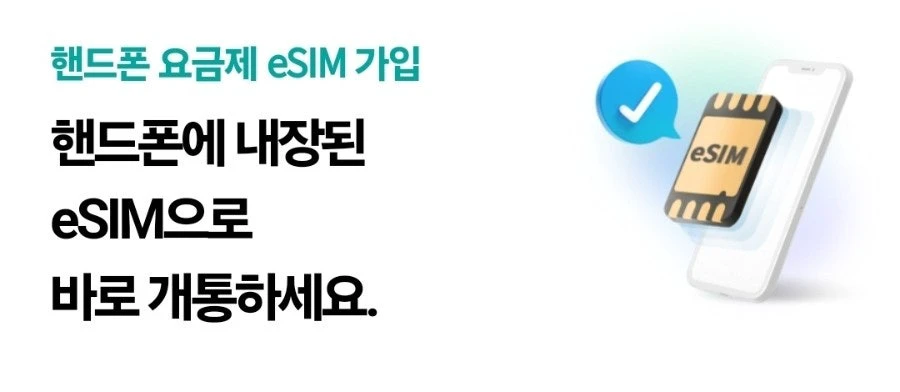
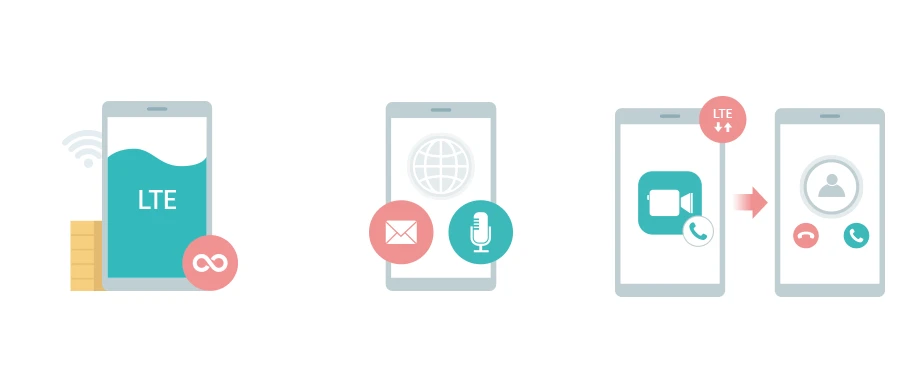
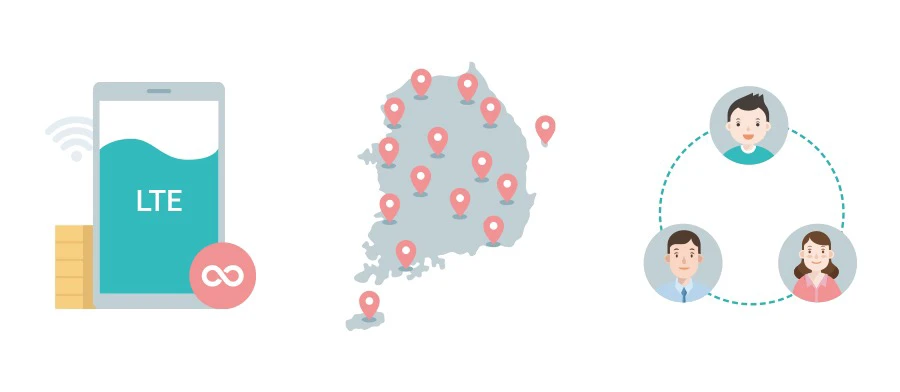
The images below show the practical difference: an eSIM lives inside the phone, a physical SIM uses the card slot, and a pocket router creates one shared Wi-Fi connection for a group.
Choose eSIM when you want the least equipment
An eSIM is usually the cleanest arrival-day option. Buy the plan, install it by QR code, select it for mobile data, and keep your home SIM available for messages if your phone and home plan allow dual-SIM use. With KT's current tourist product, a data-only eSIM can be bought online and used without collecting a plastic card or returning a device.
Compatibility is the catch. Confirm that the exact phone model supports eSIM, is carrier-unlocked, and has no country or regional lock. On KT's tourist eSIM, the QR code is for a one-time installation; deleting the eSIM can make it unusable. Install it while you have stable internet, keep the QR code somewhere other than the phone being set up, and do not delete the profile when you merely want to turn the line off.
Separate eSIMs also work better for companions who may shop, hike, or return to the hotel at different times. In a recurring r/koreatravel discussion, couples repeatedly preferred individual lines because a shared router becomes a separation risk and another battery to manage. That is a convenience pattern, not proof that one carrier is better.
Choose a physical SIM when eSIM compatibility is the problem
A physical tourist SIM is the straightforward substitute for an eSIM. It is useful when the phone does not support eSIM or when you prefer a removable line. The phone still needs to be unlocked and compatible with the provider's service.
The trade-off is handling the card. KT's current process requires airport pickup and passport identification. If you remove your home SIM, store it immediately in a labeled case; a loose nano-SIM is easy to lose. A single-SIM phone also cannot receive home-line texts while the Korean card occupies the slot, which matters if banks or other accounts still send SMS codes.
Choose pocket Wi-Fi when the group really stays together
Pocket Wi-Fi can be economical for a family carrying several phones and tablets. KT's current router plan allows simultaneous connections and publishes unlimited data at up to 20 Mbps. The rental, however, is a shared dependency: someone must carry it, keep it charged, and return it. When that person walks away, everyone else loses the connection.
Battery claims vary by the device issued; KT currently lists models ranging from about 9.5 to 30 hours. Treat a power bank as part of the setup. The renter also needs a passport and a credit card in the renter's name for the deposit; KT says debit cards are not accepted for that deposit. Loss, late return, or a changed departure airport can turn the apparent saving into a problem, so confirm the return point before leaving arrivals.
What the current prices mean for one traveler and a group
Prices checked on August 10, 2026 show why pocket Wi-Fi can look cheap for a group but not necessarily for one person:
- Data eSIM or physical SIM: KRW 35,000 per line for seven days; KRW 38,500 per line for 10 days. Unlimited, with speed control after the daily high-speed allowance.
- Data + voice eSIM or SIM: KRW 40,500 per line for seven days; KRW 44,000 per line for 10 days. Includes about 60 minutes of calls; airport identity check required.
- Pocket Wi-Fi: KRW 30,800 total for seven days; KRW 44,000 total for 10 days. The KRW 4,400 daily rental is a shared device that requires a deposit and return.
KT's eSIM and SIM pages describe unlimited data with a 5 Mbps cap after 11 GB in a day, resetting at midnight. The router page publishes a 20 Mbps service rate. These are not directly comparable laboratory speeds, and promotions can change the checkout total. Use the table to compare structure, then verify the live price and terms before paying.
For a solo 10-day trip, the router costs more than a data eSIM and creates more work. For four people who stay together for seven days, one KRW 30,800 router is much cheaper than four KRW 35,000 individual lines. If those four people split into two pairs, the saving also splits the group around whoever has the router.
Official current details: KT tourist eSIM, KT tourist SIM, and KT Wi-Fi router.
Decide what “I need a Korean phone number” means
Travelers often ask for a Korean number when they actually need one of three different things:
- Ordinary calls and incoming texts. Choose a tourist plan that explicitly includes voice and SMS. KT says voice-capable eSIMs require passport and entry verification at an airport roaming center; its physical SIM also requires airport pickup and identification.
- Restaurant queues, reservations, or delivery contact. A usable 010 number can help when a business sends a text or calls. Data-only plans may not provide those functions, so check the product—not merely whether a number appears in phone settings.
- Korean online identity verification. Tourist eSIMs and SIMs do not provide the resident-linked mobile authentication used by many Korean accounts. KT states this limitation directly. A 010 number therefore does not guarantee that Naver, ticketing, banking, or age-verification flows will accept it.
Recent travelers make the distinction clear in practice. In a 2026 discussion about whether a Korean number is necessary, many completed ordinary trips with data only, while others missed a wait-list or reservation message. A separate voice-number discussion repeatedly warns that a tourist 010 line can receive calls or texts without becoming a resident-verified identity line.
If keeping your home number active matters for bank codes, check your home carrier's roaming charges and your phone's dual-SIM behavior before departure. Receiving one necessary SMS can be more important than saving a small amount on the Korean plan.
Set it up before you leave the airport
Before buying, take screenshots of your phone's model number, unlock status, and eSIM menu. Then use the matching setup:
- Data eSIM: install on reliable Wi-Fi, label the line “Korea,” select it for mobile data, and turn off data roaming on the home line if your carrier charges for it. Follow the Korean provider's instruction on whether data roaming must be enabled for the travel eSIM.
- Voice eSIM: complete the provider's airport identity check before assuming calls or texts will work.
- Physical SIM: test data, calls, and texts at the counter before storing your home SIM.
- Pocket Wi-Fi: connect every device, note the network name and password, check the battery and charging cable, and photograph the return instructions.
Do not leave the airport counter with only one person's phone tested. A group problem is much easier to fix while the seller, passport check, and rental record are still in front of you.
The shortest rule is: choose eSIM for independent convenience, SIM for compatibility, and pocket Wi-Fi for a group that will remain physically together. Pay extra for a voice-capable line only when calls or incoming texts solve a real need, and remember that no tourist plan turns a passport visitor into a resident-verified mobile user.
Photo credits
- Featured traveler image: KT Corporation, from the official KT tourist eSIM page; used with written operator permission.
- eSIM slide: KT Plaza Seolleung Intersection, from its official Naver Blog; used with written operator permission.
- Physical SIM and pocket Wi-Fi slides: KT Corporation, from the official tourist SIM and Wi-Fi router pages; used with written operator permission.
Prices, data conditions, verification rules, and router requirements checked on August 10, 2026. Recheck the operator's live checkout and airport counter terms before purchase.
Sources and image credits
- r/koreatravel discussion — Checked for guide details or image attribution.
- KT tourist eSIM — Checked for guide details or image attribution.
- KT tourist SIM — Checked for guide details or image attribution.
- KT Wi-Fi router — Checked for guide details or image attribution.
- 2026 discussion about whether a Korean number is necessary — Checked for guide details or image attribution.
- voice-number discussion — Checked for guide details or image attribution.
- official Naver Blog — Checked for guide details or image attribution.
Last updated


