
How to Use Unmanned Cafés and Ice Cream Shops in Korea
Korea's unmanned shops can be wonderfully convenient, but the door reader and checkout terminal do not always accept the same cards. This guide walks first-time visitors through entry, ordering or scanning, payment, cleanup, and the safest way to handle a problem when no employee is present.
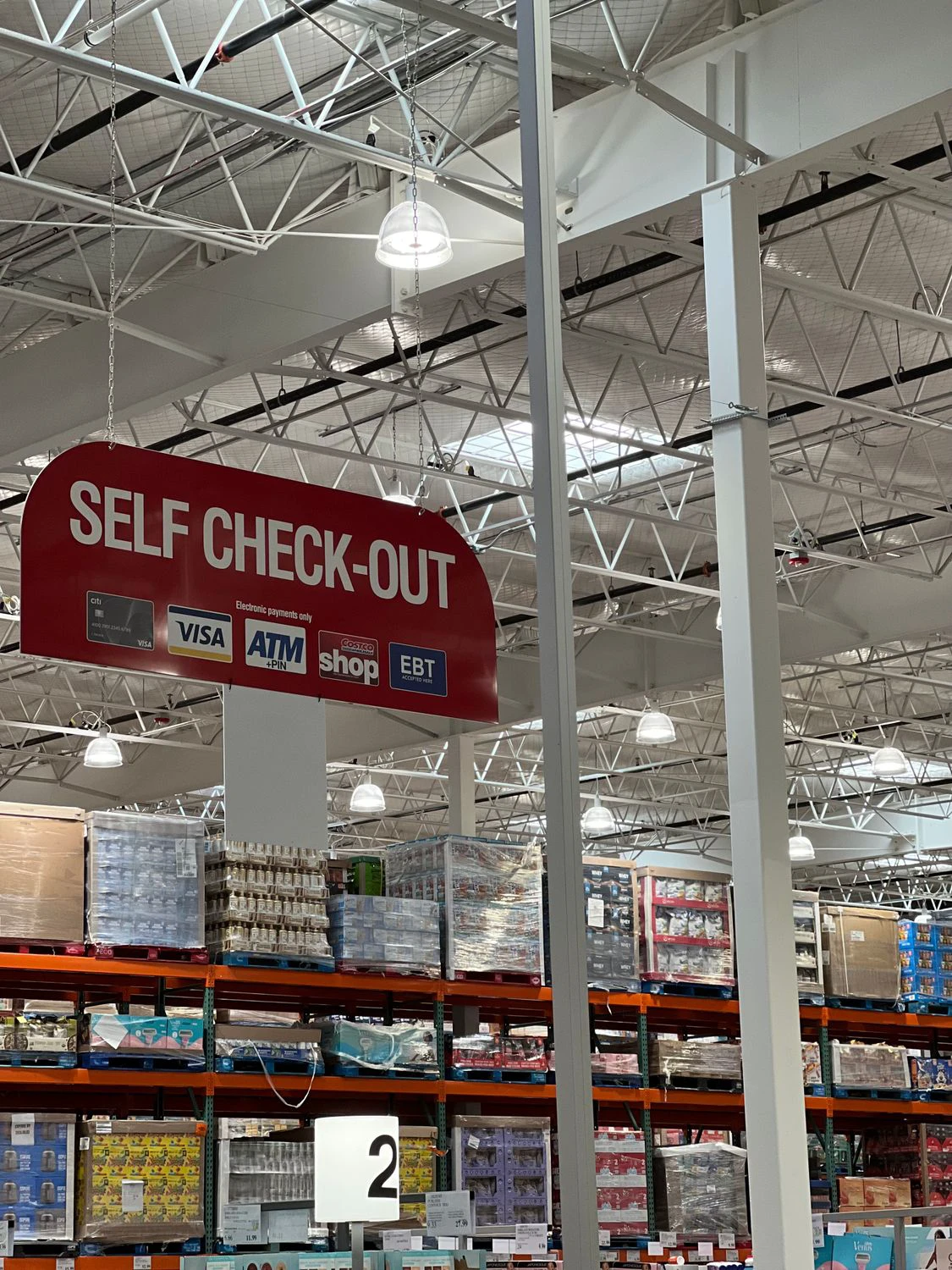
An unmanned shop in Korea may look like a vending machine with chairs, a tiny convenience store, or a bright room lined with ice cream freezers. The basic idea is simple: enter, choose what you want, pay at the machine, and leave the space ready for the next person. The difficult part is that each operator chooses its own door lock, kiosk, payment network, and help system.
This guide covers the most common patterns rather than promising that every shop works identically. Read the signs at the specific door and machine before committing to a purchase.
The quick answer
At an unmanned café, you normally choose a drink on a touchscreen, pay, then place or collect a cup at the machine. At an unmanned ice cream shop, you take products from the freezer, scan every barcode at the self-checkout, confirm the quantity, and pay before leaving. Some doors remain open; others require a card tap, card insertion, QR code, or Korean phone verification.
Bring a physical Visa or Mastercard even if you usually pay by phone. Korea Tourism Organization's current shopping guide says major international cards work at most Korean stores, but acceptance at a particular unmanned door or kiosk can still differ. A small amount of cash is a useful backup only when the shop explicitly provides a cash box or cash-accepting machine. Do not leave cash on a counter merely because a card fails.
Step 1: solve the door before choosing anything
First look for 영업중 (open), 무인 (unmanned), 출입 (entry), 카드 (card), or QR. An unlocked door usually means you can walk in. A locked door may have a reader that records a card or verifies a user before releasing the lock. Follow the pictured sequence and wait for the click before pulling.
A recent traveler payment discussion reports that a foreign Visa worked broadly in ordinary shops but failed at an unmanned-store entry reader. Another 2026 discussion describes the same Korean-card problem at unmanned doors. Practical inference: access and payment are two separate tests. A card that could pay inside may still fail to unlock the door, and a door that opens does not guarantee that the checkout will approve the same card.
Try the card in the indicated orientation once more, preferably as a physical card rather than a phone wallet. If the reader asks for a Korean phone number, resident ID, or app registration you cannot provide, do not borrow a stranger's identity or follow someone through the door. Choose another shop. Unmanned branches are common enough that forcing one particular entrance is rarely worth the trouble.
Step 2: identify which kind of self-service system you have
An unmanned café usually has one of three setups. The most common is a single machine that takes the order, payment, cup, and drink. Another has a touchscreen payment kiosk plus a separate coffee dispenser. A small honor-system café may ask you to prepare tea or coffee and then pay a stated fee; Korea Tourism Organization describes one Jeju example where visitors use the unattended café freely and pay for what they take. That example is not a rule for every shop.
At a drink machine, choose hot or iced first, check the cup size, and read whether the cup drops automatically. If a loose cup is provided, place it exactly under the nozzle before pressing the final brew button. Some machines release ice separately. Keep hands away from the dispensing area until the cycle finishes, then add a lid and straw only if you need them.
An unmanned ice cream shop works more like a small grocery store. Take a basket if offered, keep freezer doors closed while deciding, and bring every item to the checkout. Do not open packaging before payment. A current Korean Food community post shows the large selection and low single-item prices travelers commonly notice, but prices and stock vary by neighborhood and date.
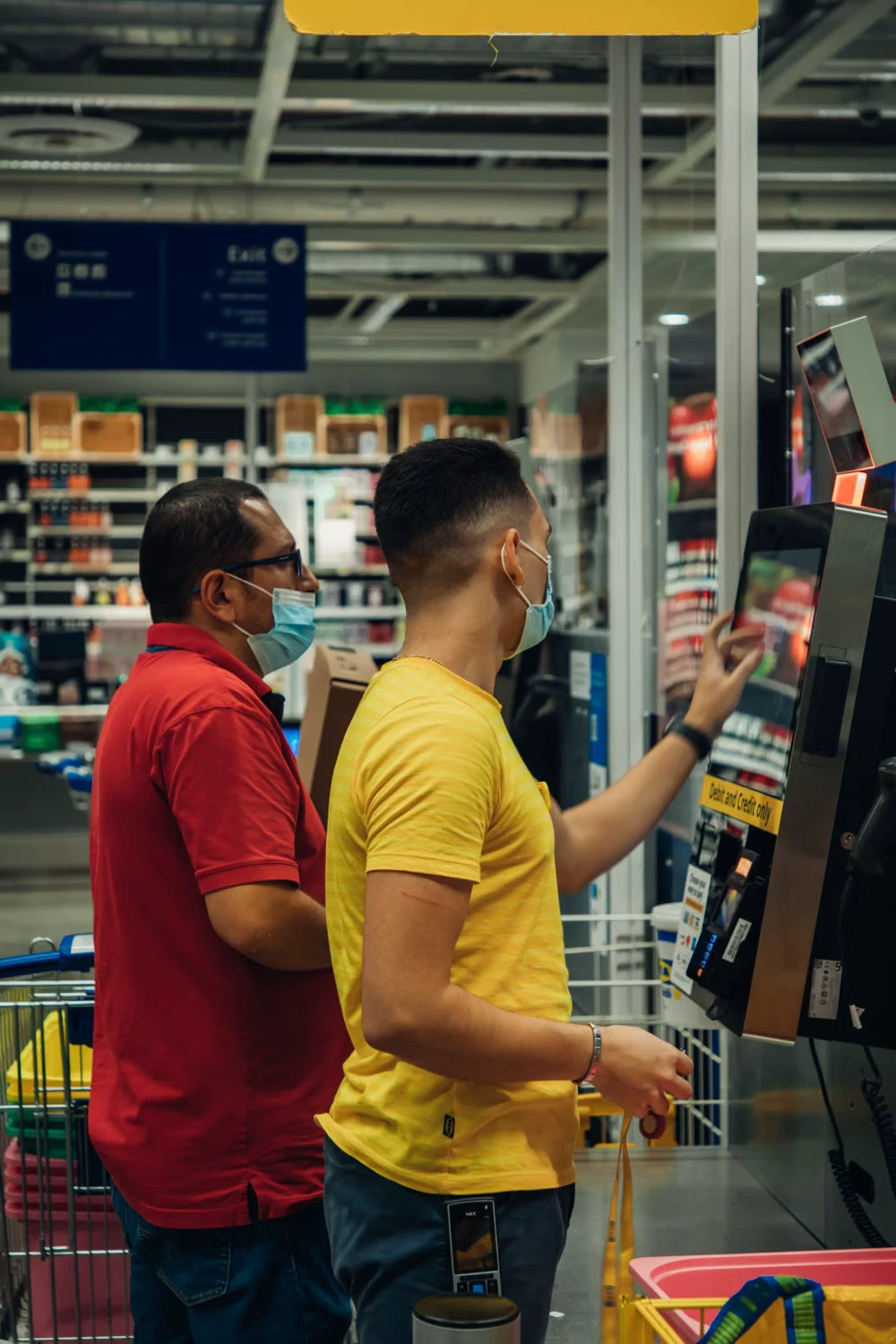
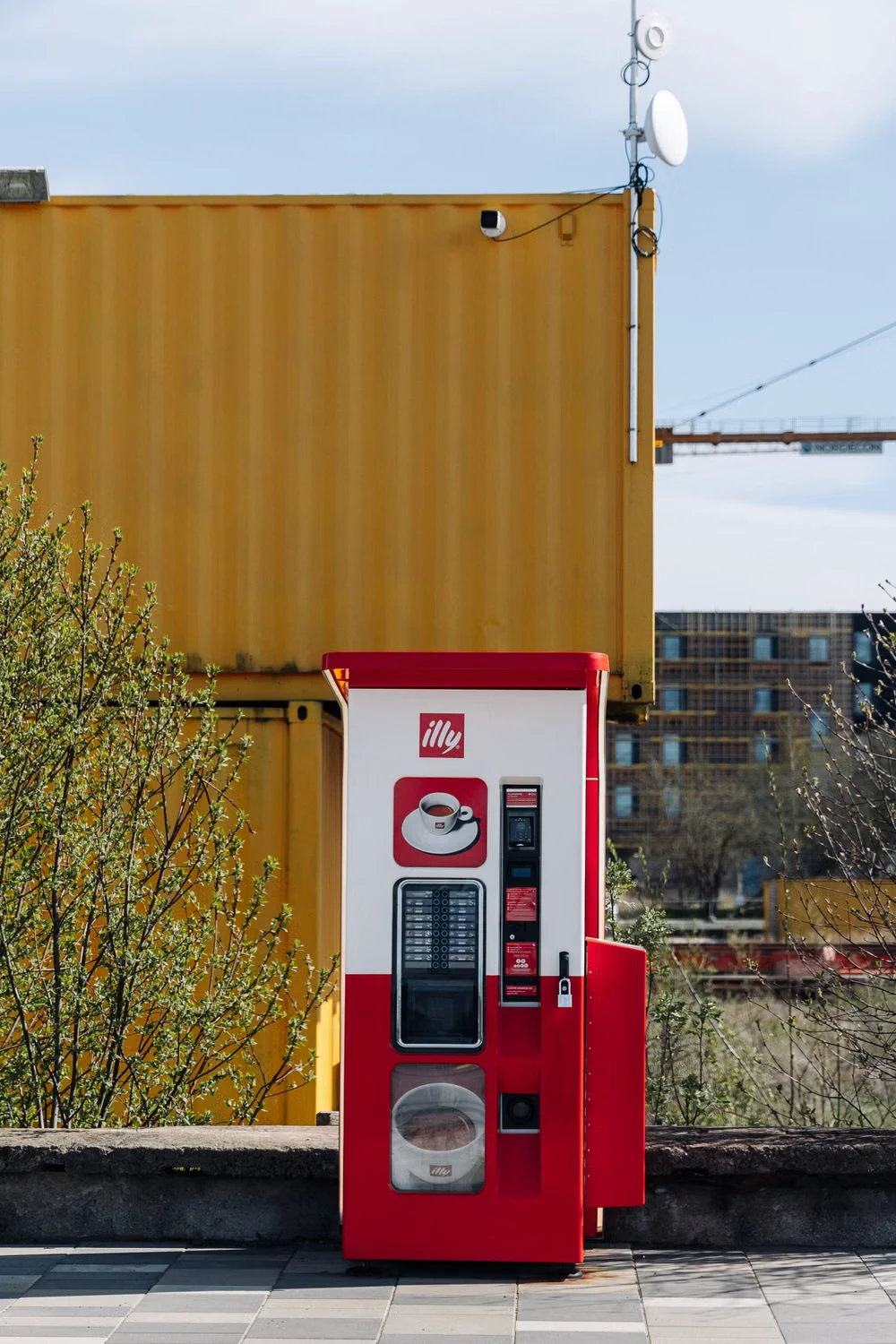
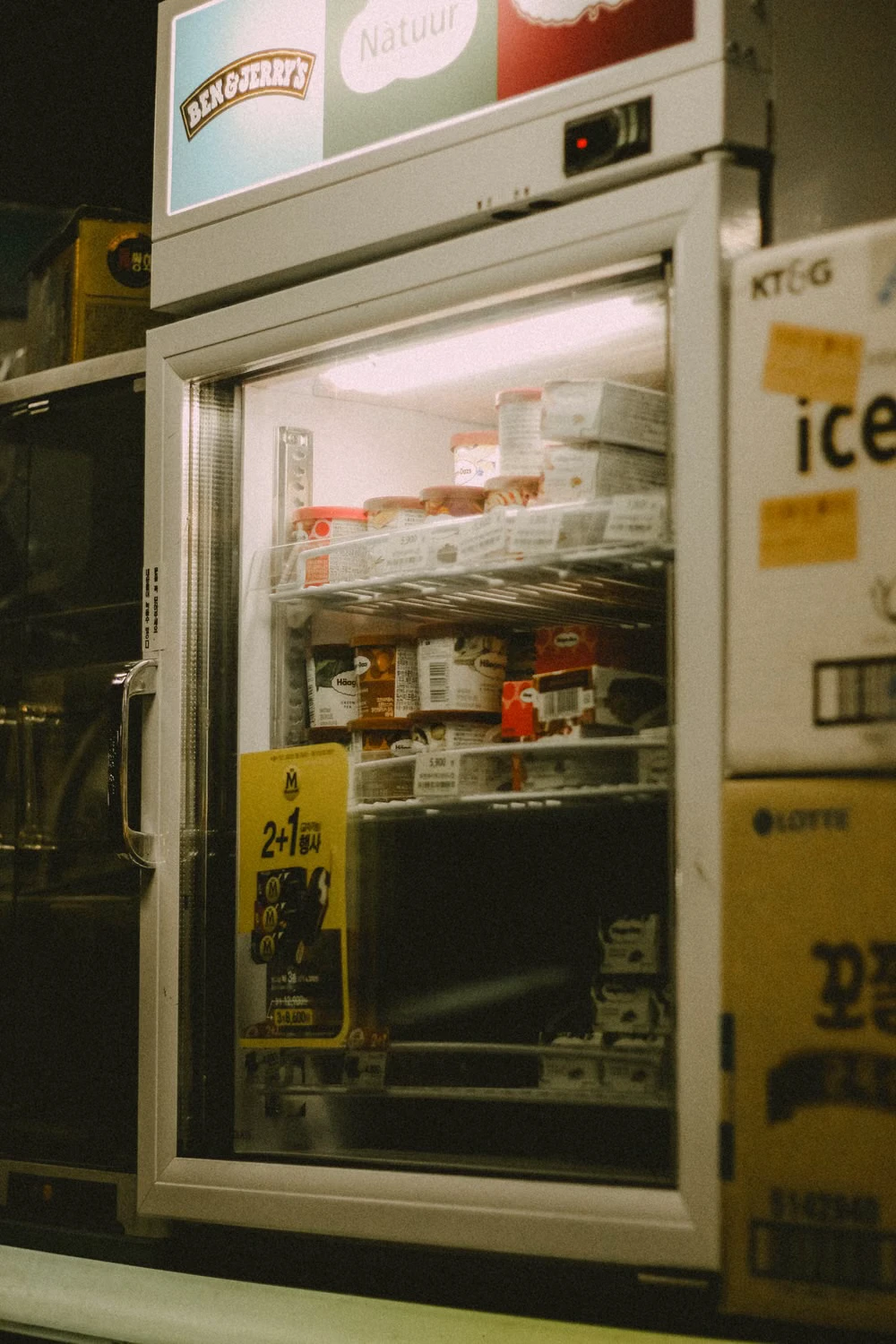
These licensed stock images show the three practical checkpoints: a self-checkout screen, an automated coffee dispenser, and a freezer display. They illustrate the process, not a promise that a Korean branch will use the same hardware, language, brands, or payment logos.
Step 3: scan and check the screen before paying
For packaged products, find the printed barcode and pass it across the scanner once. Listen for the beep and watch the item name, price, and quantity appear. If two identical products are selected, either scan each once or use the quantity button only when the screen clearly instructs you to do so. Compare the on-screen item count with what is in your basket before choosing 결제 (payment).
If a barcode will not scan, flatten the wrapper and try a slower pass. Look for 상품검색 (product search), 바코드 입력 (barcode entry), or a help icon. Never substitute a cheaper product's barcode. If the item is not registered and no owner answers the posted contact number, return it to the correct freezer and buy something else.
At a café, review the temperature, size, add-ons, and number of cups on the confirmation screen. A slow screen can tempt people to press 주문 (order) repeatedly. Wait for the machine to respond and check for an order number or approval message before trying again. Duplicate taps can create duplicate orders.
Step 4: use the least complicated payment method first
A physical international credit or debit card is the best first attempt for most visitors. Insert, swipe, or tap exactly where the terminal indicates; Korean terminals may require the card to remain inserted until approval. Mobile wallets, contactless payment, Tmoney, and prepaid travel cards work only when the relevant logo and terminal support are present. Do not assume that a contactless symbol on the door means the checkout accepts every overseas wallet.
If the machine shows 승인 (approved) or prints a receipt, wait for the transaction to finish before removing the card. If it shows 오류 (error), 결제 실패 (payment failed), or 승인 거절 (declined), try one other physical card rather than repeating the same card many times. Cash is valid only when the shop gives an explicit procedure. Bank transfer details are generally designed for people with Korean banking access and are not a practical tourist fallback.
Keep the receipt until you have the drink or have left with the correct products. It may contain the transaction time, branch, terminal, and order number an owner needs to trace a problem.
Step 5: collect, clean, and leave carefully
Wait until a drink machine says the cycle is complete. Check both the cup bay and pickup shelf, because some systems dispense the cup in one place and the finished drink in another. Wipe a small spill with the supplied tissue, put used stirrers and wrappers in the marked bin, and return trays. Do not open a machine panel, reach into moving parts, or unplug equipment.
At an ice cream shop, bag only the items shown on the paid receipt. Return unwanted products to the proper freezer promptly. A package that is soft, leaking, badly frosted, or visibly thawed should not be bought; put it aside only if the shop provides a clearly marked problem area, otherwise call the owner before moving merchandise. Close every freezer door firmly.
Many unattended shops use CCTV and remote monitoring. Treat the space as a normal retail shop, not a private lounge: pay for every item, keep voices low late at night, do not photograph other customers, and do not occupy café seats with outside food unless the posted rules permit it. A 2026 discussion of Korea's overnight unmanned shops describes self-checkout, automated coffee, and remote operation, but local rules still come from the signs in each branch.
What to do when something goes wrong
The door will not open: Photograph only the instructions and error message, not other customers or security screens. Try the stated card method once more. If the reader still rejects a foreign card or Korean verification is mandatory, leave and use another shop.
You were charged but received no drink: Do not place a second order immediately. Photograph the machine's error, order number, and posted contact information. Check whether your bank shows a pending authorization or a completed charge, then call or message the operator. A pending entry can disappear later, while a completed duplicate charge needs the merchant or card issuer to investigate.
The machine dispensed the wrong drink or spilled: Keep clear of hot liquid and moving parts. Use a stop or help button only if it is clearly labeled, then contact the operator. Do not dismantle or shake the machine.
The scanner or checkout freezes: Leave the unpurchased goods in their proper chilled location, not on the counter. If payment completed, preserve the receipt and contact the operator before scanning again.
There is a safety emergency or suspected crime: Leave the shop if safe to do so. Korea Tourism Organization's emergency guidance lists 112 for police and 119 for fire or medical emergencies. The same guidance lists 1330 for non-life-threatening travel interpretation and information; VISITKOREA has also carried maintenance notices for that service in 2026, so use the branch contact printed at the store if 1330 is unavailable.
Useful Korean words on the screen
- 무인: unmanned
- 출입 / 입장: entry
- 카드 전용: card only
- 주문: order
- 결제: payment
- 결제 완료: payment complete
- 결제 실패 / 승인 거절: payment failed / declined
- 영수증: receipt
- 취소: cancel
- 호출 / 문의: call / inquiry
- 고장: out of order
For a simple help message, write: “결제는 됐는데 상품이 나오지 않았어요” — “Payment went through, but the product did not come out.” Add the time, branch, machine or order number, and a photo of the error. Avoid sending a full card number; the last four digits are normally enough to identify a transaction when the operator asks.
A one-minute checklist
Before entering, confirm that you can open the door without borrowing someone else's credentials. Before paying, count every product and check the drink options. After paying, keep the receipt, collect the correct item, close freezer doors, clean your place, and take your card and belongings. If anything fails, stop before creating a duplicate transaction and use the operator's posted contact.
That is the whole rhythm: verify entry, understand the machine, pay once, check the result, and leave the space ready for the next customer.
Sources and image credits
- shopping guide — Checked for guide details or image attribution.
- traveler payment discussion — Checked for guide details or image attribution.
- Korean-card problem at unmanned doors — Checked for guide details or image attribution.
- use the unattended café freely and pay for what they take — Checked for guide details or image attribution.
- Korean Food community post — Checked for guide details or image attribution.
- discussion of Korea's overnight unmanned shops — Checked for guide details or image attribution.
- emergency guidance — Checked for guide details or image attribution.
Last updated


