
8 Apps to Install Before a Korea Trip (and When You’ll Use Them)
Set up NAVER Map, Papago, k.ride and Emergency Ready App before a first Korea trip. Add Smarter Subway, KORAIL+, CATCHTABLE and NOL World only when the itinerary needs them.

Install four apps before a first Korea trip: NAVER Map, Papago, k.ride and Emergency Ready App. The other four earn their place only when your itinerary involves late subway rides, intercity rail, restaurant bookings or tickets.
Do the setup on Wi-Fi before flying. Saving a Korean address or adding a payment card is much easier at home than beside a rainy curb.
Install and set up these four
1. NAVER Map — everyday directions and the correct exit
Use NAVER Map for door-to-door routes, live public-transport information and the subway exit that puts you on the right side of a wide road. Save your accommodation, its closest exit and the Korean names of your first destinations before departure. For a large station or hotel, keep the Korean street address or entrance name from the booking confirmation as well as the map pin.
An important account barrier changed in June 2026. NAVER introduced passport verification for people with passports issued outside Korea, allowing access to NAVER Map booking, ordering and payment services without a Korean mobile number. Individual merchants and payment steps can still have their own requirements, so this is not a promise that every foreign card will work everywhere.
Search in English first. If a small café, guesthouse or pickup point does not appear, paste its Korean name from the official page and confirm the exact branch before saving it.
2. Papago — photo translation for menus and signs
Papago supports text, image, voice, conversation and offline translation across 14 languages. Download the Korean–English offline data and allow camera access before the trip. Image mode is quick for a menu board or appliance label; typed text is easier to verify when one ingredient, warning or price matters.
A hands-on Naver review of Papago image translation found whole-menu capture convenient but also showed awkward readings. Use the first result to understand the layout, then crop or retake the exact line that affects an allergy, price or order. Carry essential medical or allergy wording as a checked Korean sentence instead of depending on a live camera translation.
3. k.ride — taxis when rain, luggage or a missed train changes the plan
Set up k.ride while you have time to confirm your email and payment method. The interface supports English, Simplified and Traditional Chinese, and Japanese; destination search and translated driver chat support 133 languages. Overseas credit or debit cards and listed mobile-payment methods are accepted, and the app displays an estimated fare before the request.
Place the pickup pin on the side of the building where a car can stop. At a station, hotel or department store, a named gate or lobby is more useful than the middle of the property. Keep the Korean destination name open in NAVER Map so you can compare the pin.

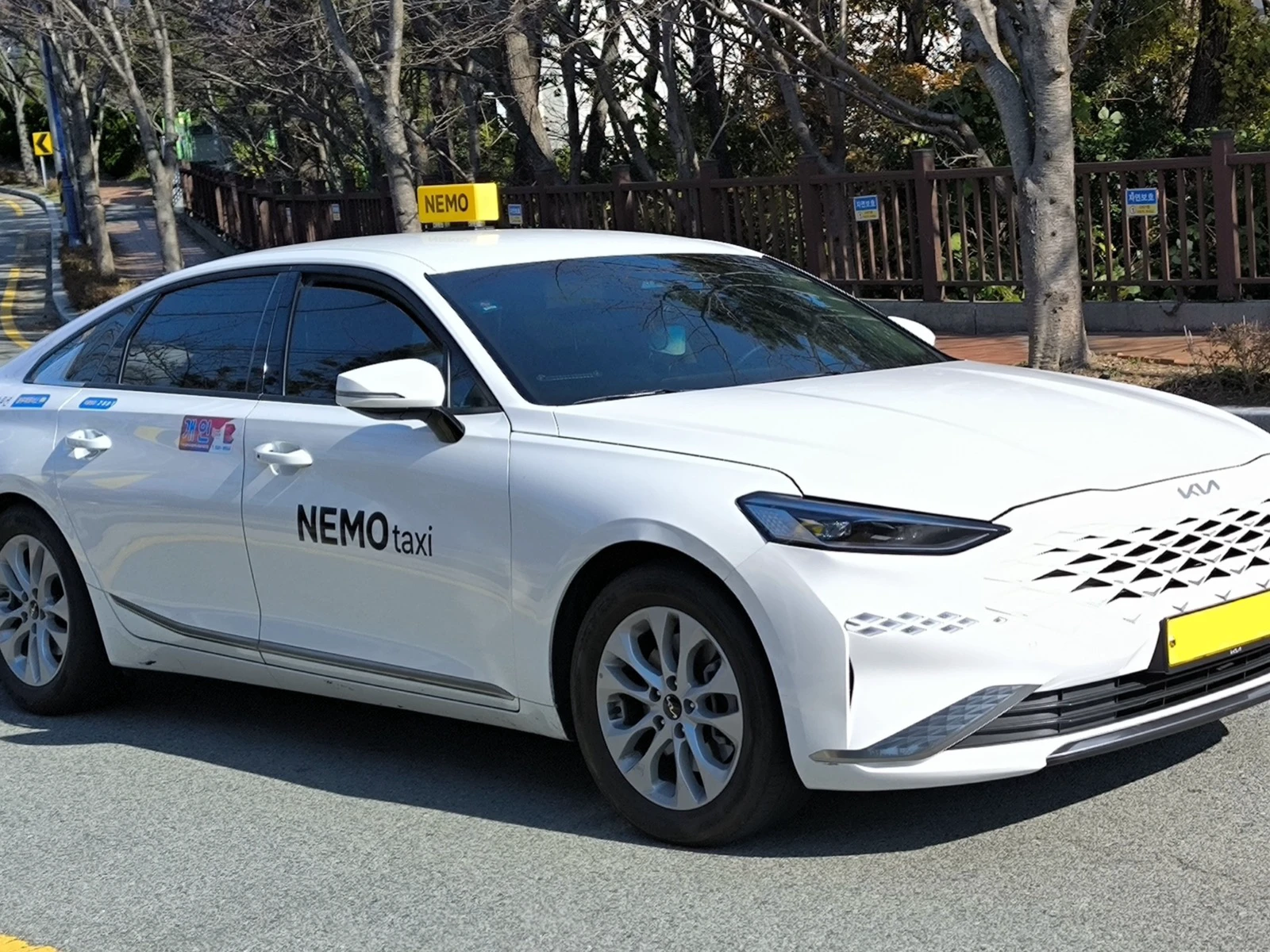
The alley photo illustrates why the exact pickup side matters on a narrow street at night. Taxi colors and branding vary, so the car that accepts your request may not look like the second image.
4. Emergency Ready App — multilingual disaster alerts
Install the listing named Emergency Ready App, not “Old Emergency Ready App.” The Ministry of the Interior and Safety relaunched it on June 15, 2026 with alerts in 22 languages, safety guidance and information on shelters and other emergency facilities.
Open it once, choose your language, allow location and notifications, and set every region on your route. The ministry's illustrated instructions explain installation and permissions, while its June 2026 release confirms the expanded language service. Selecting only Seoul is not enough if you will also visit Busan, Gyeongju or Jeju.
Add these only when the itinerary needs them
5. Smarter Subway — last trains, transfer cars and station facilities
NAVER Map is sufficient for most subway journeys. Add Smarter Subway when a late evening depends on the final train, you want the quickest transfer or exit car, or you need to locate a station toilet. The app covers the Seoul metropolitan network plus Busan, Daegu, Gwangju and Daejeon, using official timetables and real-time arrival data. Its route search can account for last-train times and shows transfer and alighting guidance.
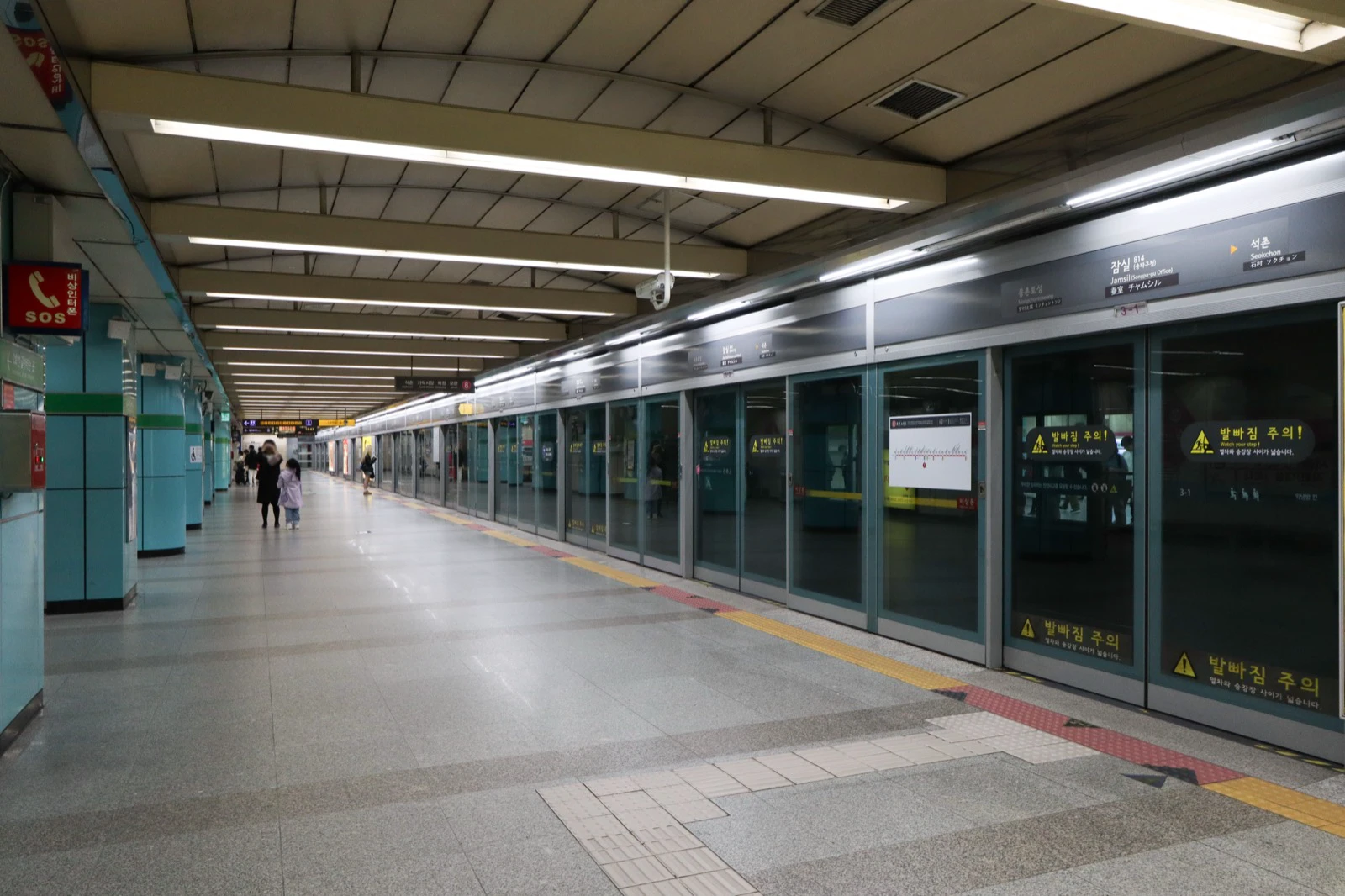
At a major station such as Jamsil, platform signs already show Korean, English, Chinese and Japanese. The app is most useful before you reach the platform, when one more stop or a slow transfer could push the trip past the last useful connection. Check again on the travel day because late-night service can change.
6. KORAIL+ — KTX and other KORAIL intercity trains
The official app formerly called KorailTalk is now listed as KORAIL+. Use it for KTX and other KORAIL-operated intercity trains, not Seoul subway rides. It supports multilingual ticket reservations and keeps the mobile ticket with your itinerary.
KORAIL's ticket guide says ordinary tickets open at 07:00 one month before departure and may be bought on the website, app, station machines or at ticket counters. Holiday sale periods use separate schedules and can require membership, so follow the notice for the exact travel date.
Do not depend on a single checkout route. Recent Google Play reviews and traveler discussion about KORAIL booking include reports of freezes and overseas-card friction; these are individual experiences, not a rule for every user. If the app stalls, use KORAIL's official English booking site rather than an unfamiliar reseller. Save the booking email and train number offline.
7. CATCHTABLE — reservations and remote waitlists
Choose CATCHTABLE, the global app, rather than the domestic Korean version. Its current listing covers more than 8,000 restaurants, search in 20 languages, email registration and payment with an existing credit card without a Korean phone number. It supports reservations and remote waitlists at participating restaurants.
Install it when a restaurant you actually want appears there. Check the exact branch, cancellation or deposit rule and confirmation screen. If a restaurant is missing, it may still use NAVER booking, phone booking or an on-site queue; absence from the app does not mean reservations are impossible.
8. NOL World — when the ticket or voucher lives there
NOL World is the international platform formerly called interpark Global. It sells tickets and bookings for concerts, fan meetings, musicals, exhibitions and sports as well as activities, transport passes and tours. Install it only when your booking or mobile voucher is issued there.
For an event, enter your name exactly as the event page requires and keep the passport used for booking. Save the order number and confirmation email outside the app. Current community discussion about NOL World ticket pickup shows that identity checks and collection rules differ by event, so the event page—not a rule remembered from another concert—must decide what you bring.
Ten-minute setup before takeoff
- Save the hotel and its Korean address in NAVER Map.
- Download Papago's Korean–English offline data and test one camera translation.
- Create the k.ride account, add a payment method and check the saved hotel pin.
- Open Emergency Ready App, choose the language and subscribe to every city on the route.
- Sign in to any conditional app that already holds a train, restaurant or event booking.
- Put booking emails, Korean addresses and passport-name confirmations in an offline folder.
Eight is the upper limit. Most first trips will use the first four regularly and can leave the rest uninstalled until a booking or late-night plan needs them.
Information checked August 11, 2026.
Sources and image credits
- NAVER Map — routing and place-search service checked August 11, 2026
- NAVER passport verification announcement — eligibility and NAVER booking, ordering and payment access checked
- Papago on Google Play — supported languages and translation modes checked
- Naver hands-on Papago review — practical image-translation limitations reviewed
- k.ride official site — interface languages, translated chat, payment methods and estimated fare checked
- Emergency Ready App on Google Play — current app listing checked
- Ministry Emergency Ready instructions — installation, permissions and functions checked
- Ministry Emergency Ready relaunch — June 15, 2026 relaunch and 22-language support checked
- Smarter Subway on Google Play — covered networks, timetables, last-train and transfer functions checked
- KORAIL+ on Google Play — current app name and multilingual reservation functions checked
- KORAIL ticket guide — ordinary ticket sales timing and purchase channels checked
- KORAIL official English booking site — official fallback booking channel checked
- KORAIL traveler discussion — individual reports of app and overseas-card friction reviewed
- CATCHTABLE on Google Play — restaurant count, languages, account, payment, reservation and waitlist functions checked
- NOL World on Google Play — current service name and booking categories checked
- NOL World pickup discussion — event-specific identity and collection experiences reviewed
- Featured image asset — uploaded cover image used by every edition
- Theodore Nguyen on Pexels — featured image credit
- Ciaran O'Brien on Unsplash — Seoul night image credit
- Leongyy02 on Wikimedia Commons — taxi image credit; cropped under CC BY-SA 4.0
- Mobius6 on Wikimedia Commons — Jamsil Station image credit; resized under CC BY-SA 4.0
Last updated


